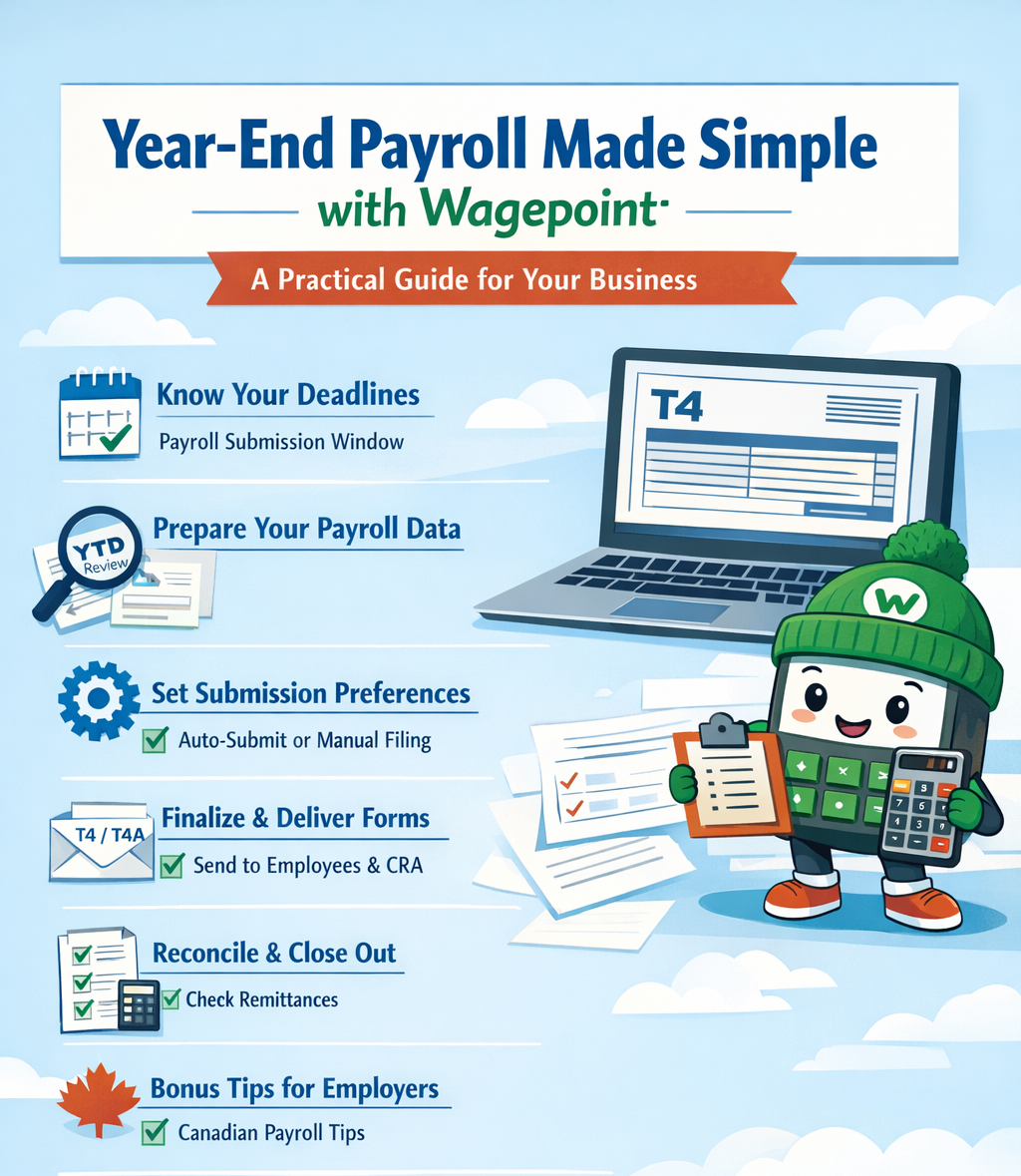
Year-End Payroll Made Simple with Wagepoint – A Practical Guide for Your Business
Year-end payroll is one of the most important compliance checkpoints in the calendar year. Missed deadlines, incorrect employee data, or incomplete remittances can lead to penalties and rework — but with a clear plan and checklist in hand, it doesn’t need to be overwhelming.
Wagepoint’s Year-End Payroll Kit offers a structured approach to closing out your payroll year — and we’ve summarised the key recommendations you need for a smooth process. Wagepoint Help
1. Know Your Deadlines & Timelines
Year-End Submission Window
- For 2025 payroll year-end, Wagepoint recommends planning to complete payroll review and tax form submission between January 5 and February 19, 2026. If you have auto-submit selected on in Wagepoint, then you will need to review before the February 29, 2026 date. The Canada Revenue Agency deadline for filing is February 28, 2026; however, Wagepoint auto-submits earlier than that date. Wagepoint Help
- In Wagepoint 2.0, the end of February remains the practical window to submit T4 and T4A forms via the year-end workflow. Wagepoint Help Center
Holiday & Payroll Cut-Offs
- Be aware of winter holiday closures and plan last payrolls early enough to ensure they are paid and reported in the correct calendar year (i.e., pay dates in 2025 count toward 2025 year-end). Wagepoint Help
Minimum Payroll Requirement
- Wagepoint will only prep year-end documents if at least two payrolls with 2025 pay dates have been processed in the system. Wagepoint Help
2. Prepare Your Payroll Data
Review Year-to-Date (YTD) Amounts
- Pull and review YTD reports to ensure:
- Gross earnings, CPP/QPP and EI amounts
- Income tax withheld
- Benefits, taxable allowances, and deductions
are accurate for every employee and contractor. Wagepoint
Employee & Contractor Records
- Validate employee details including:
- Legal name spelling
- SIN
- Address
- Correct tax exemptions
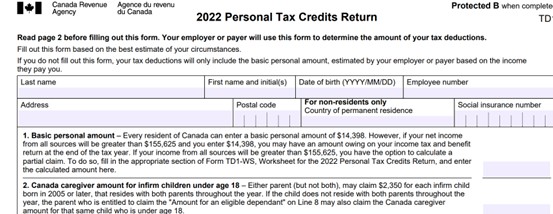
- TD1 form updates for federal/provincial rates
- Include terminated employees too — they still require accurate T4/T4A slips. Wagepoint
YTD Data From Other Payrolls
- If any employees were paid outside Wagepoint, enter that year-to-date data before year-end so totals appear correctly on slips. Wagepoint Help
3. Set Submission Preferences
Auto-Submit Tax Forms
- Confirm your Auto-submit tax forms toggle in Wagepoint settings:
- Yes — Wagepoint will file T4/T4A/RL-1 electronically to the CRA/RQ on your behalf.
- No — You will manually submit forms outside of the platform.
- Once locked, you may not be able to change this setting until the submission window closes. Wagepoint Help
Submission Method
- Wagepoint 2.0 users have the option to submit directly through Wagepoint or file manually to the CRA using exported data from the Year-to-date report. Wagepoint Help Center
4. Finalize & Deliver Year-End Forms
Review Before Filing
- Carefully review all forms for accuracy before hitting submit — errors can mean amendments and delays.
Employee Access
- Wagepoint will make year-end PDFs available in the employee portal within ~48 business hours after submission. Wagepoint Help
- For employees without portal access (including terminated staff), you will need to print and deliver T4/T4A/RL-1 slips either in person or in the mail.
5. Reconcile & Close Out
Bank & Remittance Reconciliation
- Compare payroll bank transactions and government remittance forms (like PD7A) with your payroll reports to catch discrepancies. Wagepoint
CPP, EI & Provincial Remittances
- Ensure all CPP/QPP, EI, QPIP and other statutory remittances are up to date — this helps avoid Pensionable and Insurable Earnings Reviews (PIERs) from the CRA. Wagepoint
6. Bonus Tips for Canadian Employers
- Choose the correct pay date: In Canada, the pay date within the calendar year determines the reporting year, not when work was performed. Wagepoint
- Double-check provincial requirements: For Quebec employers, RL-1 slips and special remittances may have unique deadlines. Wagepoint Help
Wrap-Up
Year-end payroll doesn’t have to be a scramble — with Wagepoint’s framework and these proven steps, you can navigate deadlines, avoid common pitfalls, and deliver accurate, compliant year-end slips to your employees and the CRA. If you need help interpreting CRA deadlines or reconciling payroll remittances, we’re here to support your business every step of the way.