If you’re an incorporated professional working from home – such as a tech consultant, physiotherapist, chiropractor, or other remote specialist – there’s good news: you may be eligible to deduct a portion of your home expenses through your corporation. But while claiming these deductions is valuable, the CRA’s rules for incorporated businesses are different from those for sole proprietors (who file on a T2125).
This guide is designed to help incorporated professionals understand how to properly deduct home office expenses in 2025.
Who Is Eligible To Deduct Home Office Expenses?
If you’re an employee of your own corporation, you may qualify to claim a portion of your home office expenses if your home is your principal place of business.
Examples of eligible individuals include, but are not limited to:
- Remote consultants & IT contractors,
- App developers coding and testing software for clients or ap stores at a home office,
- Software designers building wireframes or prototypes from a dedicated work area,
- Owner-shareholders of Canadian-Controlled Private Corporations (CCPCs), and
- Physiotherapists, chiropractors, and other regulated professionals who conduct part of their practice from a dedicated home workspace (Note: in general, CRA will not allow your to claim a home office claim if you have a practice location separate from your home, even if you do “paperwork” at home and only meet with clients at the practice location. They consider the practice location to be the primary place of work and will disallow office claims.
Does Your Workspace Qualify?
Your home office must meet at least one of the following conditions:
- Principal place of business: Most of your business activities are carried out here.
- Used exclusively for business purposes and regularly for meeting clients, patients, or customers.
For instance, an IT consultant who completes all client work remotely from a home office and holds virtual meetings would qualify. Similarly, a physiotherapist who treats clients in a dedicated room within the home also meets the criteria.
Note: The space must be clearly identifiable as a business area – not your kitchen table or shared bedroom office.
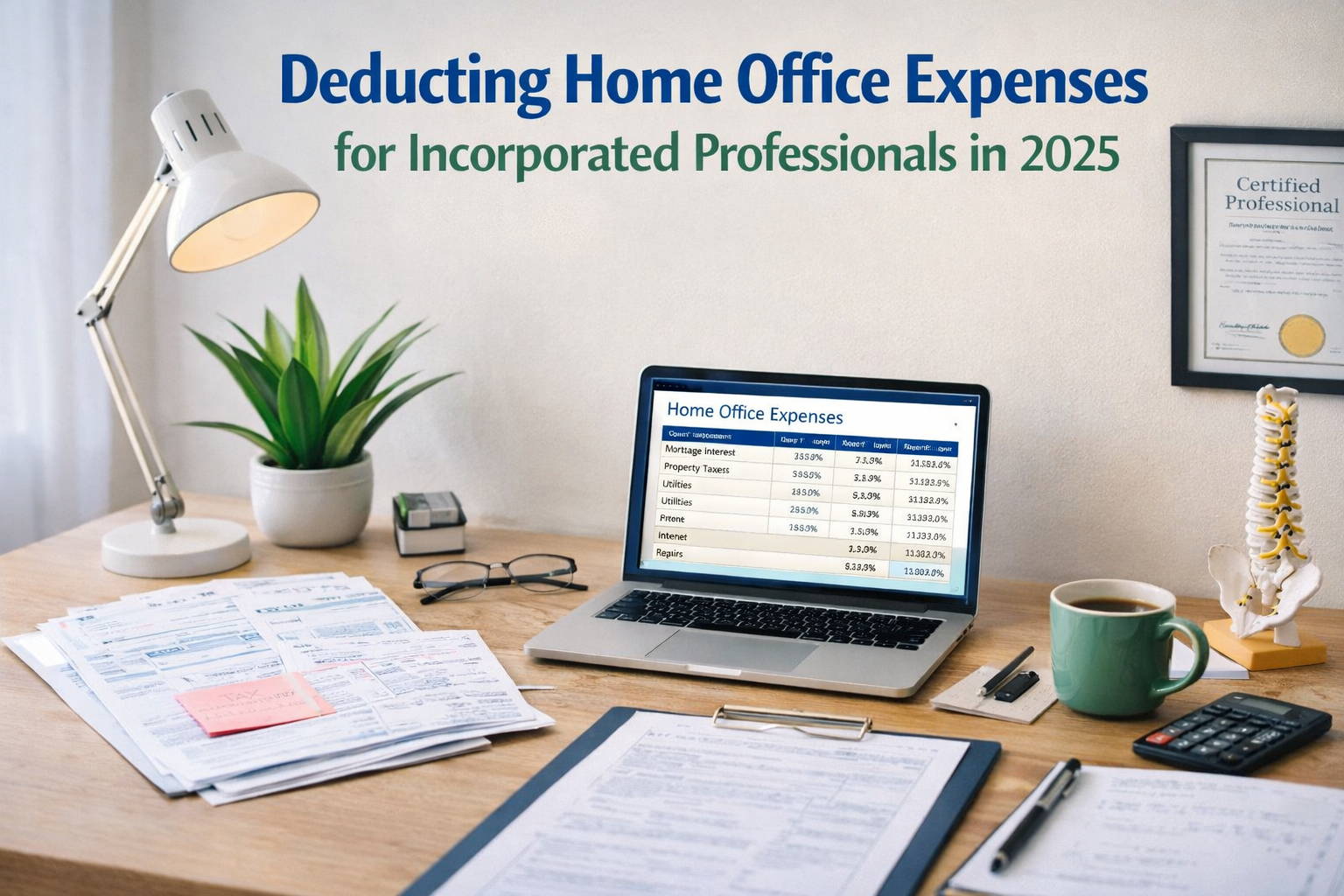
What Home Office Expenses Can Be Deducted?
You can deduct a portion of the following costs:
- Utilities (heat, electricity, water),
- Internet and phone,
- Mortgage interest (not principal),
- Property taxes,
- Home insurance (if relevant to the space),
- Capital Cost Allowance (CCA) (optional and may affect capital gains – discuss with your accountant), and
- Maintenance and minor repairs specific to the workspace.
Example: Repainting your office qualifies. Replacing your entire roof -shared across all living areas – may only be partially deductible, or not at all.
How Do You Calculate the Deduction?
Use a reasonable method to allocate expenses, usually based on square footage.
Example: If your home office is 125 sq ft in a 1,000 sq ft home:
- 125 ÷ 1,000 = 12.5%
- Apply 12.5% to each eligible expense
Remember:
- The workspace must be used exclusively for business to count at 100%.
- If you use a shared space (e.g., dining room) for work part-time, you must prorate further based on usage hours.
Important Restrictions
- You cannot use workspace expenses to create or increase a business loss, and
- Unused portions of the expenses can be carried forward to future years, as long as you continue using the workspace.
Special Considerations for Tech & Health Professionals
- Tech Contractors: If you work remotely for multiple clients and report your income through a corporation, ensure contracts and invoices reflect your corporate structure to avoid PSB issues.
- Personal Service Professionals: If you see patients at home, your space must meet health regulations and be regularly used for treatments. These expenses are often scrutinized, so proper documentation is key.
Documentation Tips
Keep:
- A floor plan or sketch of your home office,
- Receipts for utilities, repairs, internet, etc., and
- A log of client meetings, if that’s how you qualify.
Tip: Using software or apps to track usage and expenses can make year-end tax filing much easier.
Need Help?
At Virtual Heights Accounting, we specialize in serving tech entrepreneurs, medical professionals, and remote consultants.